
Remote Access, Site Manager and the Mobile App
Remote Access lets you open your console from unifi.ui.com (Site Manager) and from the UniFi mobile app, through Ubiquiti's cloud. It is optional: your console address works from anywhere without it.
What you need
- The console owner signed in with a Ubiquiti account, either during the setup wizard or by linking one later. A console set up without a Ubiquiti account has no Remote Access until its owner is linked. See Signing in.
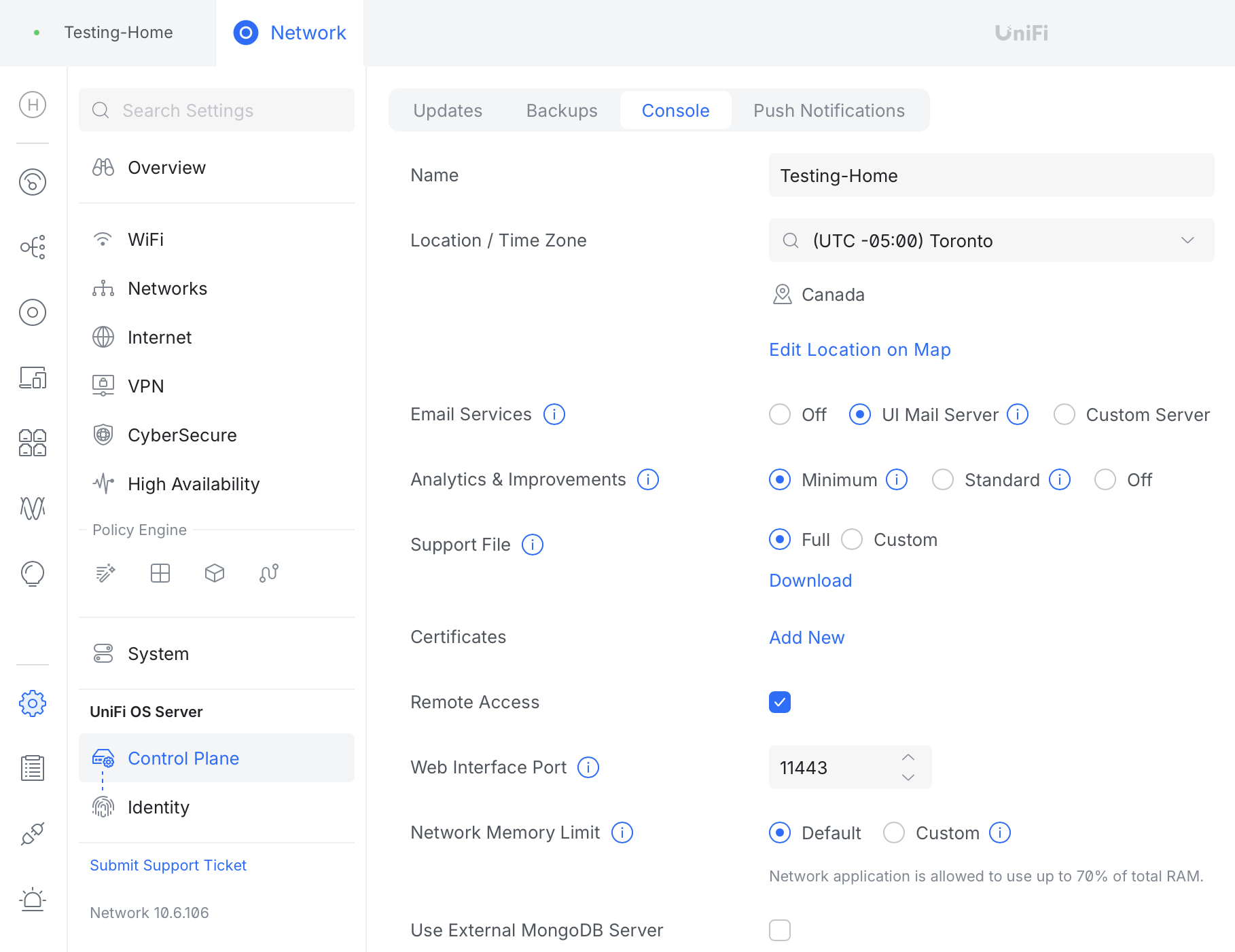
- Remote Access enabled on the console. It is enabled when the setup wizard is completed with a Ubiquiti account. The owner can turn it on or off later under Settings > Control Plane > Console > Remote Access.
- A Ubiquiti account for each person who wants to use it. Users invited by email have one. Local users do not, and can only use the console address.
Site Manager
Once Remote Access is on, the console appears in the list at unifi.ui.com for every user with a linked Ubiquiti account. Site Manager also provides features that only work with a Ubiquiti-linked owner, such as Fabrics and Site Magic SD-WAN. Ubiquiti's CyberSecure subscriptions are also bought and activated in Site Manager, by the owner. See CyberSecure on a hosted console.
The mobile app
Sign in to the UniFi app with the same Ubiquiti account and the console appears in the console list. Setup steps are in Using the UniFi mobile app.
"Blocking ports required for remote connectivity"
If enabling Remote Access fails with a message about blocked ports or connectivity, the cause is almost always the Ubiquiti account password or its two-factor code, not a firewall. Our consoles allow every outbound connection Ubiquiti's cloud needs. Sign in at account.ui.com in a separate tab to confirm the password, then try again.
What Ubiquiti controls
Remote Access, unifi.ui.com and the mobile app are Ubiquiti's cloud services, provided under Ubiquiti's terms for UniFi OS Server. Ubiquiti can change or withdraw them without notice. Your console address, and any custom domain you have added, keep working regardless.
After a migration from the Network Application
If Remote Management was enabled on your old controller, it needs to be enabled again on the new console by the owner, signed in with the Ubiquiti account. Captive portal sign-in providers (social logins) also need to be re-authorised after a migration.